An end-to-end automated blogging system that generates SEO-optimized articles, reducing content production time from hours to minutes.
Blogging System
Automation
AI Content

Industry
Marketing & Automation
Challenge
Businesses struggle to publish consistent, high-quality, SEO-optimized blog content due to manual research and time limitations. Hiring writers was not efficient due to the industry specifications. The goal was to build a system that could generate reliable drafts automatically, from topic creation to long-form articles. The draft could be taken by a therapy practitioner to complete the article.
Solution
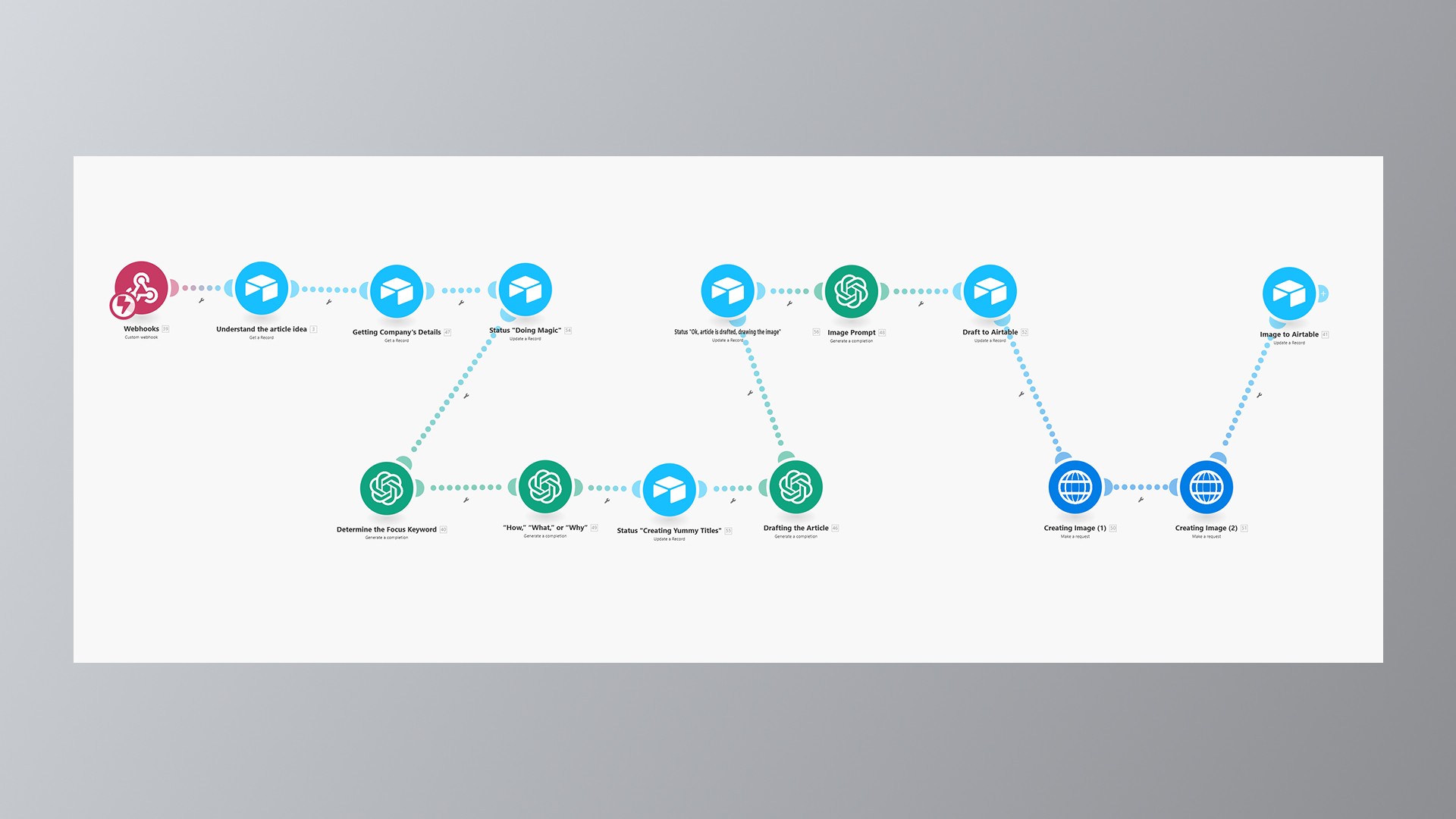
We built a fully automated blogging pipeline using Make.com, Airtable, OpenAI, and Gemini.
The system:
Generates SEO-optimized topics and outlines
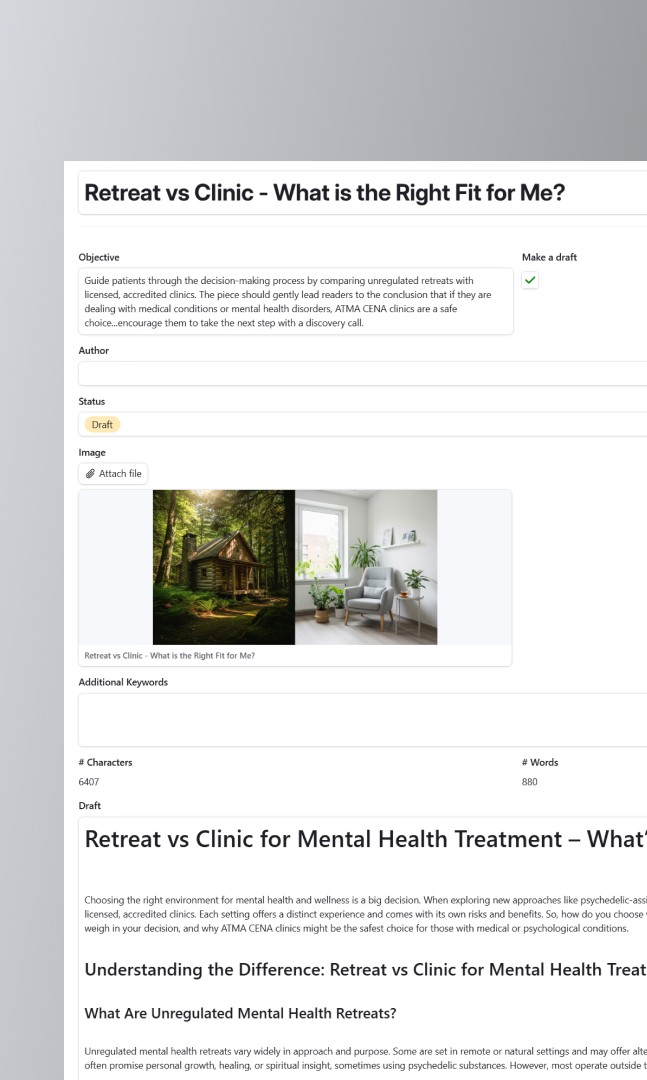
Writes full-length blog articles using structured prompts
Enhances readability with formatting and metadata
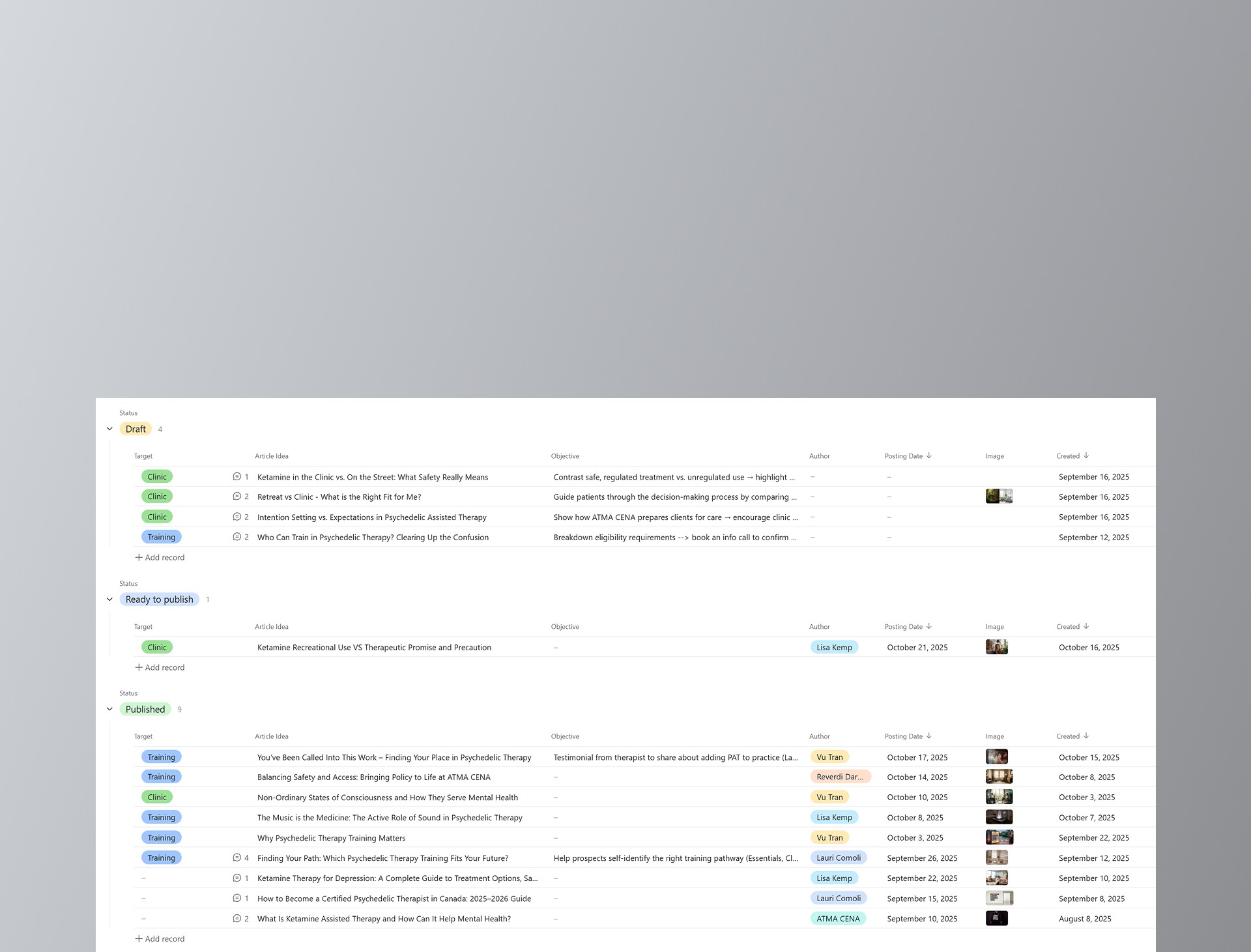
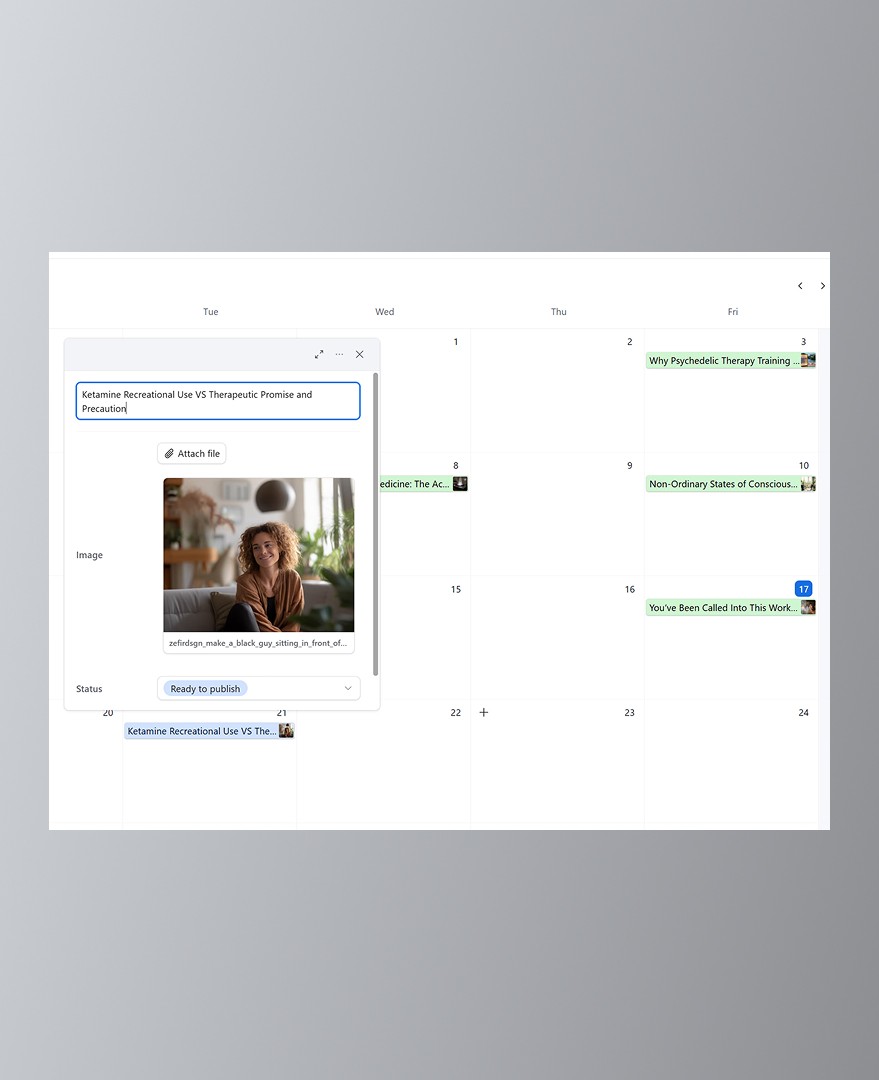
Stores drafts in Airtable for quick review
Allows optional manual edits before publishing
Impact
The automated system cuts content production time by more than 90%, enabling consistent publishing without expanding internal teams. It empowers businesses to scale their content marketing, maintain quality, and free up resources for strategy and growth.